Connect read-only
Create a Trading 212 API key for account, portfolio, history and dividend data. Leave every Orders permission off.
Trading 212 portfolio tracker · read-only by design
Bring General Invest and Stocks ISA accounts into one calm view. Understand holdings, invested cost, returns and dividends without giving an app permission to trade.
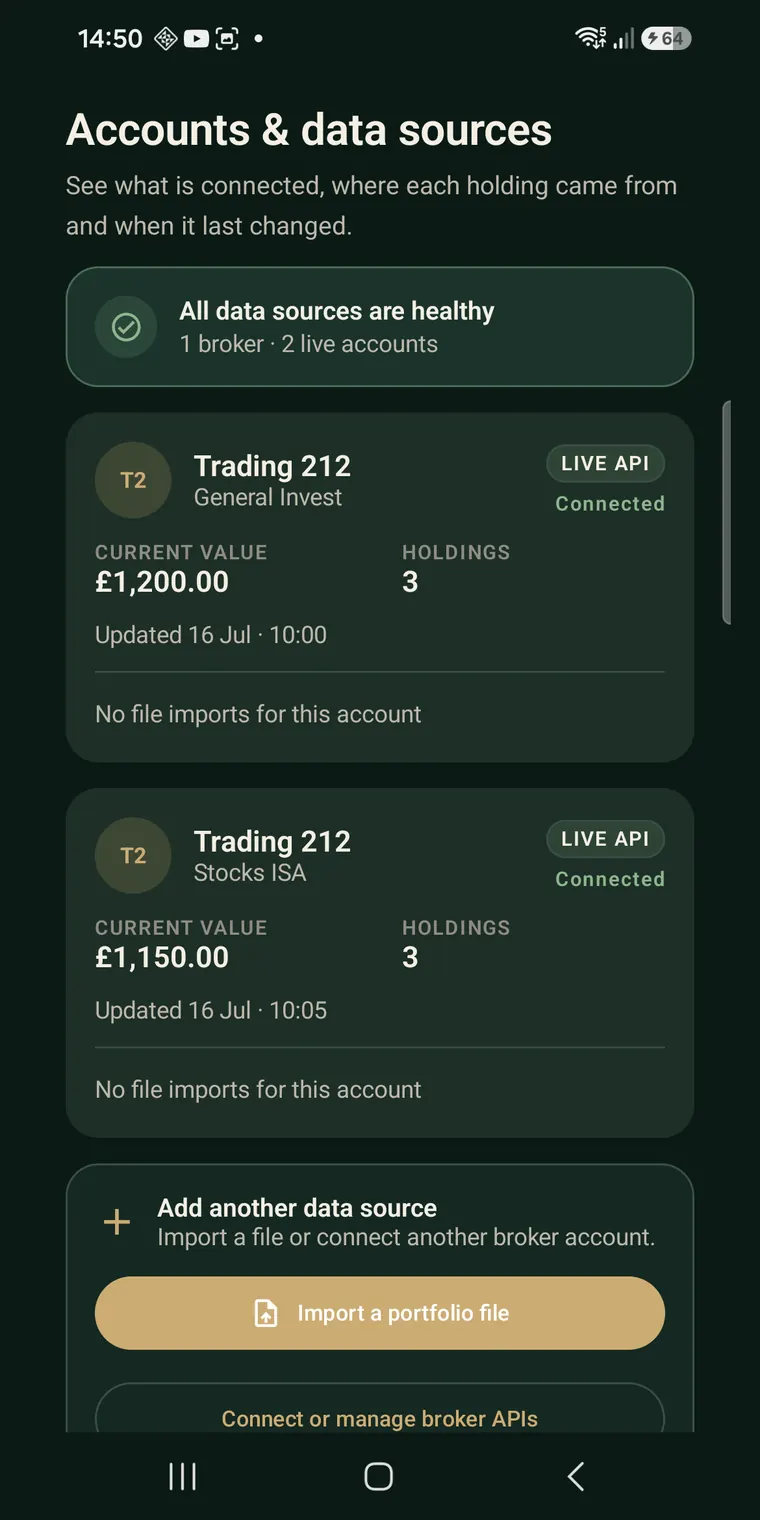
Synthetic portfolio shown · no customer data
A clearer route from account to answer
Asset Companion keeps source, freshness and coverage visible so you can tell what is confirmed, what is estimated and what still needs attention.
Create a Trading 212 API key for account, portfolio, history and dividend data. Leave every Orders permission off.
Add General Invest and Stocks ISA separately, then view the combined picture without losing which account supplied each position.
Review value, invested cost, return, received dividends, declared payments, estimates and data-quality notes with clear boundaries.
Useful questions, calculated from portfolio evidence
Keep recorded contributions and current market value separate.
See paid broker history separately from declared and estimated income.
Understand exposure without turning a neutral observation into a buy or sell instruction.
See the account source, last successful sync and any coverage boundary before relying on a total.
Try the useful part first
The preview is clearly labelled and uses synthetic holdings. Test the layout and the portfolio explanations before deciding whether Asset Companion fits your workflow.
Open the sample portfolioStraight answers before you connect
No. Asset Companion is an independent product by 80EZ Studio and is not affiliated with, endorsed by or sponsored by Trading 212.
No. The connection is designed for read-only account, portfolio, history and dividend data. Asset Companion cannot place or cancel orders, move money or request broker trading permission.
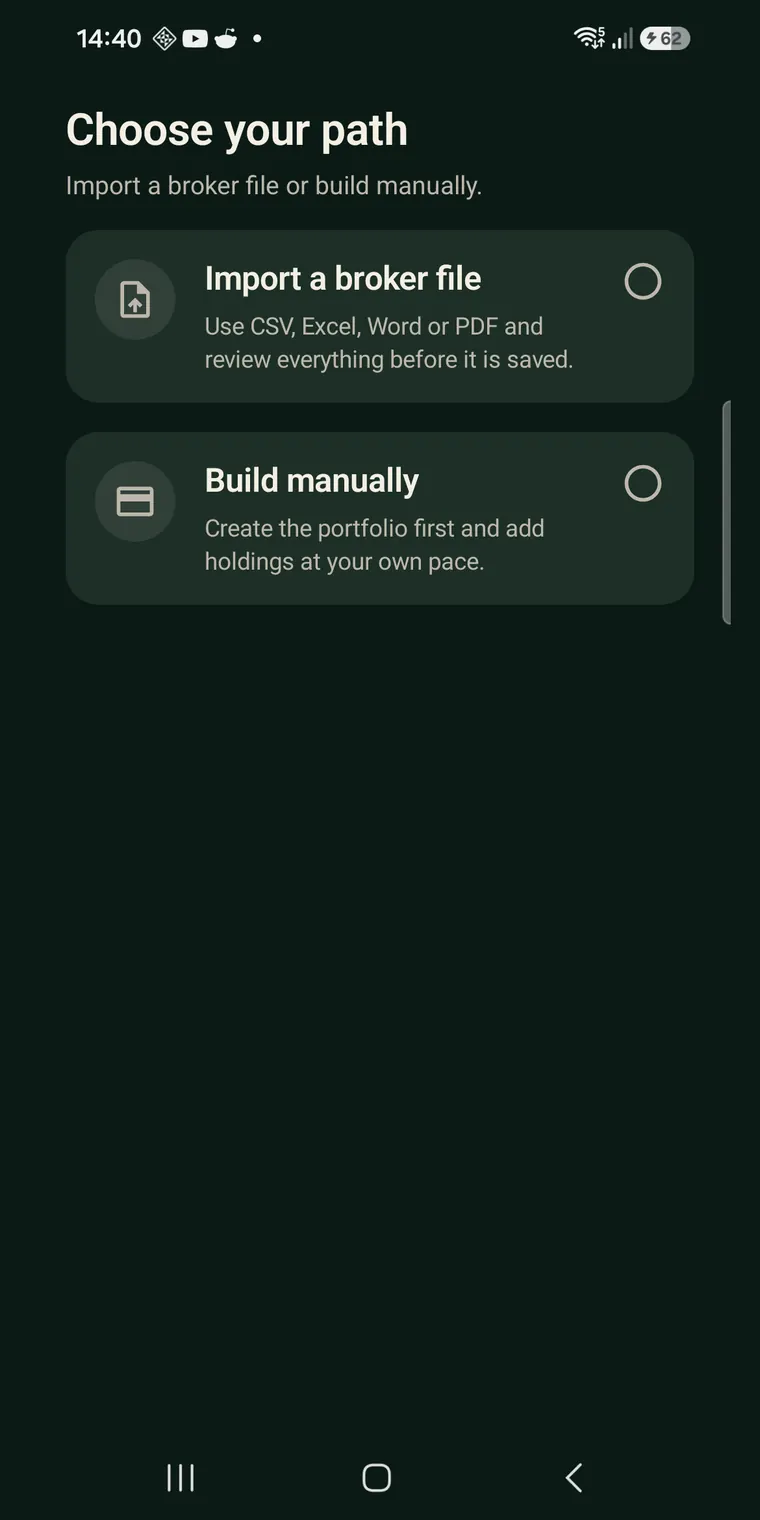
Asset Companion currently supports read-only API connections for Trading 212 General Invest and Stocks ISA accounts. Each account uses its own key. Supported file imports are also available when a direct connection is not suitable.
Yes. The guided sample portfolio uses clearly labelled synthetic data and can be explored without an account or broker connection.
No. Asset Companion organises and explains portfolio information. It does not provide personalised financial advice, recommend investments or make investment decisions for you.
Asset Companion by 80EZ Studio
Explore the sample first, or install the Android app from Google Play.